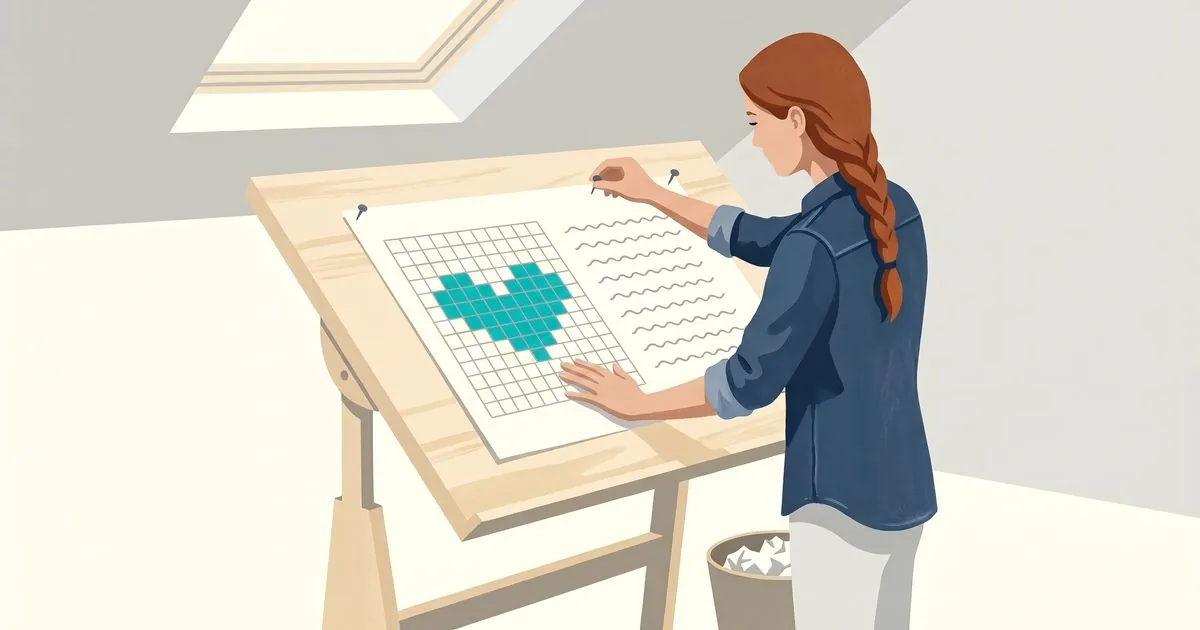
Stitch charts in NodeStitch: the chart and the written pattern on the same page
If you want to make a knitting or crochet chart and put it in your pattern, NodeStitch now has a stitch chart editor built into the pattern editor. The chart sits on the same page as your written rows, photos and tables. Every drawing and editing tool is free, and the written instructions are read off the chart by fixed rules, not AI. It is brand new, and I want to hear what you think.
Here it is in under two minutes: a colorwork heart for a pair of mittens, drawn, mirrored and written out round by round, then a picture turned into a chart.
Why the chart belongs on the page
If you chart, you know the routine. The chart lives in one app and the pattern lives in another. You export the chart as an image and paste it into the pattern. Then you change one stitch, and you are exporting and pasting again, and checking that the written row you typed by hand still says what the chart says.
That is the same problem I built NodeStitch to fix for round numbers and photo numbers: two things that have to agree, kept in two places, matched up by hand. So the chart now lives on the pattern page itself, next to the written rows, the photos and the tables. When you change the chart, there is nothing to re export.
What you can chart
| Knitting | Crochet |
|---|---|
| Colorwork, Fair Isle and stranded | Colorwork: tapestry, graphgan and pixel |
| Lace | Stitch symbols |
| Cables | Filet |
| Stitch symbols | Free form diagrams for doilies, motifs and round charts |
| Two color brioche (Pro) | Corner to corner, C2C (Pro) |
| Slip stitch mosaic (Pro) | Overlay mosaic (Pro) |
| Machine punch cards (Pro) | Tunisian (Pro) |
A chart can switch between knitting and crochet later. Colors carry over on their own, and a chart with stitch symbols asks you what each symbol should become, because a knit stitch has no crochet stitch to guess at.
The symbols are the standard ones: Craft Yarn Council symbols for knitting, the standard crochet symbols, and Japanese (JIS) knitting symbols. The library also has brioche, Estonian nupps, beads, wide cables, and every crochet family, from posts, puffs, bobbles and popcorns to clusters, shells, spikes, picots and Tunisian.
Every editing tool is free
A lot of charting tools put the basics behind a paywall. I did not want to do that. On the free plan you get:
- Draw, erase and fill
- Select, copy, cut, paste and move
- Mirror, rotate and crop
- Stamp and eyedropper
- Insert and delete rows and columns
- Undo and redo
Free charts go up to 300 by 300. Pro goes to 1,000 by 1,000.
The written rows come off the chart
This is the part I would point at first if you hate writing out each row by hand.
The editor reads the chart row by row and writes the instructions out, with stitch counts and repeats. A row comes out like this:
k4, *p2; rep from * 2 more times, k2 (12)
Fixed rules produce that text. There is no AI in it, and nothing is made up. It is your chart, put into words.
A colorwork row names colors. On a crochet chart it names the stitch too, which is how a crochet pattern is usually written:
Row 1 (RS): With Color A, sc 20 (20)
Row 6 (WS): sc 4 in Color A, sc 1 in Color B, sc 5 in Color A (10)
Knitting charts start with colors only, like 4 Color A, 1 Color B, and either craft can switch in Settings. The stitch follows your US or UK terms, so a US sc is a UK dc, and a color you named after your yarn is written with that name.
Draw a repeat box around the stitches that repeat, give it a count, and the written row changes the moment you change the number.
A free account sees the first 3 rows of written instructions. Pro sees every row, and Add to pattern puts them into your pattern with each line linked back to its row on the chart.
Photo to chart, without AI unless you ask for it
You can turn a picture into a colorwork chart in a few clicks. It runs in your browser, the photo is not uploaded, and no AI is involved unless you switch on one of the optional steps below. It is free and unlimited.
Every color it merges is listed, and you can undo any of those merges. It does not decide what your chart looks like. It gives you a starting grid from a picture you chose, and you take it from there.
There are three optional steps on Pro that use AI help on photo charts: remove the background, simplify into clean areas and keep small details. Free accounts get 3 tries at keep small details. The photo only leaves your browser if you switch one of them on. So I will say it plainly: it does not write patterns. It helps a designer write their own. NodeStitch never designs a chart for you.
If you would rather draw by hand, you can trace a photo under the grid instead. The photo stays private to the editor and never shows up on the page, in an export or on a share link.
The colors are real yarns now
Until this week a chart color was a hex value and whatever name you typed next to it. Now it can be an actual colorway. Pick a yarn for a color and the picker fills in the brand, the line and the color name, and the legend prints it: Color A: Bernat Super Value, Dark Heather. The written rows keep it short and just say Dark Heather, because the brand and line on every row gets wordy fast.
The brand palettes cover about 85 yarn brands and 268 lines, more than 14,000 colorways in all: Bernat, Caron, Red Heart, Lion Brand, Knit Picks, Paintbox, Scheepjes, DROPS, Hobbii, Stylecraft, Malabrigo, Cascade, Schachenmayr and more. Search by brand, line or color name, or open a line and pick from its swatches. One chart can mix brands.
Two honest limits. The colors on screen are approximate. Nobody publishes an official hex value for a dyed fiber, and a screen is not a skein, so buy by color name and number, not by what the swatch looks like on your monitor. And the data has names, not the brands’ color numbers. If you know the number, you can type it in yourself.
My yarns is your own list. Save a yarn from a chart, or type one in with the brand, line, number, weight and a screen color, and it is there to pick on the next chart. It is free, and so are the brand palettes.
If you make a chart from a photo, you can match it to a yarn line instead of to the photo’s own colors. Every color in the chart snaps to the nearest colorway in that line, and the legend names them, so the chart is made of yarn you can actually buy. Pick more than one line if your stash does.
The colorway data comes from temperature-blanket.com, which publishes it under CC BY 4.0, and the picker says so. NodeStitch never reads a brand’s website for colors, and nothing is copied from other chart tools. The brand names identify a yarn and nothing more. If a color looks wrong to you, there is a Report a wrong color link right next to it, and I will fix it.
Checking it before anyone else sees it
- The legend builds itself from the stitches you actually used, in US or UK crochet terms. Nothing you dropped stays in the key by accident.
- The count check flags a row whose stitch count does not match the row below. Treat it as a hint, not a verdict. It is new, and a knitter has not reviewed the stitch data yet.
- The yarn estimate gives you an amount per color from your own swatch, named by yarn once you have picked one, so it reads as a shopping list. It is an estimate, and colors on a screen are only approximate.
When a chart is done, you can lock it so a stray click cannot change it. There are print friendly grid styles, a symbols only view that saves ink, and private chart notes that do not print unless you tell them to.
Following and sharing
Follow mode lets you work a chart row by row. The row you are on is outlined, the rows you have done are dimmed, and your place is saved.
Share links let anyone with the link view and follow a single chart in a browser, with no account. They cannot edit it, they cannot download it, and they do not see the rest of your pattern. Sharing is free. I think this is the one testers will use most, alongside the PDF rather than instead of it.
You can also type words and stamp them onto the chart as stitches, and the editor works on a tablet: one finger draws, two fingers pan and zoom.
Free and Pro
| Free | Pro | |
|---|---|---|
| Every drawing and editing tool | Yes | Yes |
| Chart size | Up to 300 x 300 | Up to 1,000 x 1,000 |
| Flat, in the round and right side only numbering | Yes | Yes |
| Every symbol set, including JIS | Yes | Yes |
| Legend, count check and yarn estimate | Yes | Yes |
| Yarn brand palettes and My yarns | Yes | Yes |
| Written instructions | First 3 rows | Every row, plus Add to pattern |
| Follow mode and share links | Yes | Yes |
| Free form diagrams | Yes | Yes |
| Photo to chart | Yes, unlimited | Yes, unlimited |
| Keep small details on photo charts (AI help) | 3 tries | Yes |
| Remove the background and simplify into clean areas on photo charts (AI help) | No | Yes |
| Custom stitches | No | Yes |
| C2C, brioche, knitting mosaic, overlay mosaic, Tunisian and punch cards | No | Yes |
| The chart in your pattern’s PDF | Yes, with a small NodeStitch mark | Yes, no mark |
| Exporting the chart on its own to PDF, PNG or SVG | No | Yes |
The price has not changed. Free is $0, and Pro is $9.99 a month or $99 a year, which works out to $8.25 a month.
A chart on your page goes into your pattern’s PDF on the free plan too, with a small “Made with NodeStitch” in the corner of each page. Exporting the chart on its own, as a PDF, PNG or SVG file, is a Pro feature, so I would rather you knew it here than find out at the end.
It is brand new
This is the biggest thing I have added to NodeStitch so far, and it has only just shipped. I would rather hear what is missing or what does not work the way you chart than pretend it has been tested for years.
If you chart in knitting especially, I would love your eyes on the stitch counts. Tell me at support@nodestitch.app, or find the rest of what the app does here.