Cross stitch charts in NodeStitch: floss, symbols, the key and the PDF in one place
NodeStitch now makes counted cross stitch charts. You pick your fabric, paint in DMC floss or your own, and every color gets its own symbol. Backstitch, French knots, and half, quarter and three quarter stitches are all there. The key builds itself with strands, stitch counts and a skein estimate, and the chart sits on the same page as the rest of your pattern. Designing is free.
Here it is in about three minutes: a photo of tulips turned into a chart 200 stitches wide and matched to DMC floss, then part stitches on the petals, a backstitch outline, French knots, the key and the PDFs.
How it started
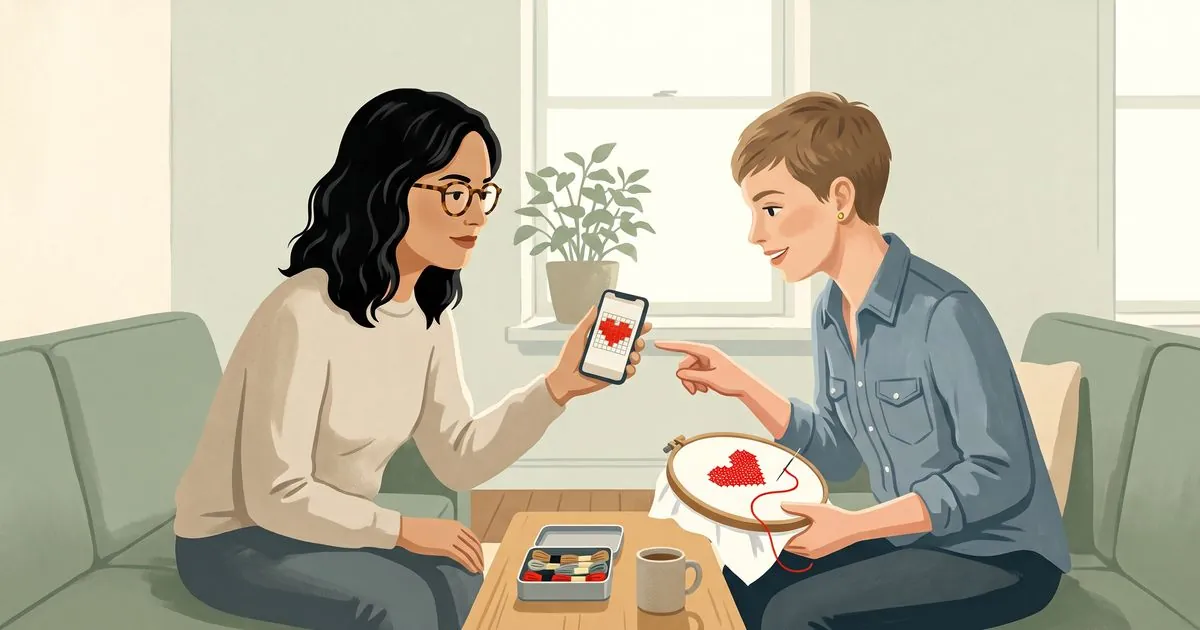
I was at my friend’s house asking her to test the NodeStitch phone app. She was looking at the stitch chart feature and asked if it could be used for cross stitching. I thought it was close enough that it probably could. Then I realized that if it’s close enough, maybe it’s something that should be added properly.
I should be upfront: I don’t cross stitch. I crochet. So everything here came from research into how published cross stitch charts are laid out and what stitchers expect to find on them, not from years of stitching myself. That is exactly why I want to hear from people who do this for real.
What a cross stitch chart has
Pick Cross stitch when you start a new chart. Each square is one full cross in the color you paint it, and a square you leave empty is bare fabric, so a new chart starts blank.
- Fabric and size. Choose 11, 14, 16, 18 or 20 count Aida, 25 to 32 count evenweave, or 25 to 40 count linen worked over 2. The finished size updates as you change the fabric or the stitch count, in inches and centimeters.
- A grid you can count on. Every 10th line is bold. Rows and columns are numbered in tens from the top left, on all four edges, and a small arrow on each edge points at the center so you know where to start.
- Floss. All 489 current DMC six strand colors are listed. Type a number like 310 or a word like blue. For Anchor or any other brand, type the brand, number and name yourself and they print on the key exactly as you typed them. Save the floss you own and photo charts can stick to it. To browse every DMC color by number, name and shade, there’s a DMC floss color chart.
- One symbol per color. Each color gets a symbol the moment you add it. Look alikes such as ● and ○ aren’t used together until the clearly different ones run out, two colors close in shade get symbols of different kinds, and a color keeps its symbol when you add, remove or reorder the others. You can change any of them.
- Backstitch. Draw lines corner to corner, straight or diagonal, in their own floss and strands. A line can start or end halfway along an edge or in the middle of a square, the way a lot of published charts draw outlines.
- French knots. A dot on a corner, an edge or a square’s center, in its own floss and strands.
- Part stitches. Cut a square on either diagonal for half, quarter and three quarter stitches. Two colors in one square are drawn the way published charts draw them, each half in its color with that color’s symbol tucked in its corner.
- Hide symbols. A button beside Wrong side takes the symbols off the squares so you see just the colors, which makes it much easier to judge how the design looks. It only changes your view. The key, your PDFs and anyone you share the chart with still get the symbols, and clicking it again brings them back.
- A warning about twins. When two colors in your palette look almost the same on fabric, a note above the chart names both. It’s advice only. If you meant to use them both, tell it not to show that pair again.
What the key does for you
The key is a table: Symbol, Number, Name, Strands, Stitches and Skeins, one row per color you actually used. Backstitch gets its own section with the total length of each line color, and French knots get theirs with a count.
Here is how the numbers work. Say your design is 100 by 100 stitches.
- On 14 count Aida it comes out 7.1 by 7.1 inches.
- On 18 count Aida it comes out 5.6 by 5.6 inches.
- If one color, DMC 310, covers 2,000 squares at 2 strands on 14 count, the key says about 2 skeins. The estimate works from roughly 1,800 full crosses per skein at 2 strands on 14 count, scales for your fabric and strands, and always rounds up.
Part stitches count as half a stitch each, so a color with 25 full crosses and 3 halves shows “25 + 3 parts”. The skein figure is an estimate, and the colors on your screen are approximate, so buy by floss number.
Starting from a photo
You can turn a picture into a cross stitch chart. It runs in your browser and the photo is not uploaded. Cross stitch goes up to 150 colors and starts at 30, and you pick the fabric so you can see the finished size before you commit.
Match to DMC floss snaps every color to the nearest DMC color and names it on the key, like DMC 310 Black. The floss it picked shows right under the button, most used first, so you can see what it did without scrolling. If you don’t like one of its choices, open the full list and swap that color for any other DMC floss. If you would rather only use what is already in your stash, paste in the numbers you own and the chart sticks to those. You can also drop colors that only a handful of stitches use, which is usually where a photo chart gets messy.
If the picture is already a chart, like an old pattern saved as a PNG, NodeStitch notices it is flat colors on a grid and offers to import it exactly, one square per stitch.
Printing it
This is the part a designer actually sells, so here is how it works.
A chart you place on your pattern page goes into the pattern’s PDF on both plans, with its key. On the free plan every page of that PDF has a small “Made with NodeStitch.app” in the corner.
You can also export the chart on its own as a print pattern split across pages, with the same small mark on the free plan and none on Pro:
- An overview page with the center marked, so a stitcher can see which page to start on.
- The key page, then the backstitch and French knots.
- The chart pages, with the rows and columns repeated from the next page shaded grey so it’s easy to line them up.
- Your copyright line at the foot of every page, if you add one.
There is also a separate Pattern Keeper PDF, Letter or A4: the key first, then the chart in pages about 60 stitches across, with no overlap and no overview page, so it opens cleanly in the Pattern Keeper app. Plenty of stitchers work from that app, so you can hand buyers that file alongside the printable one.
Cross stitch on your phone
You can make and edit a cross stitch chart in the NodeStitch iPhone app, not just look at it: full crosses, part stitches, backstitch and French knots, from the DMC floss list or your own saved floss. Stitch mode lets you tap a color, mark squares done and see what’s left of each color. And you can open a cross stitch PDF as a chart on the phone, free for now.

Free and Pro
| Free | Pro | |
|---|---|---|
| Cross stitch charts, every drawing tool | Yes | Yes |
| DMC floss and your own floss | Yes | Yes |
| Symbols, backstitch, French knots and part stitches | Yes | Yes |
| The key with strands and skein estimates | Yes | Yes |
| Photo to chart, up to 150 colors | Yes | Yes |
| Chart size | Up to 300 x 300 | Up to 1,000 x 1,000 |
| The chart in your pattern’s PDF | Yes, with a small NodeStitch mark | Yes, no mark |
| The chart on its own as a print PDF across pages | Yes, with a small NodeStitch mark | Yes, no mark |
| The Pattern Keeper PDF | No | Yes |
| PNG and SVG export | No | Yes |
Pro is $9.99 a month or $99 a year. The rule is the same one I use for knitting and crochet charts: designing is free, and the clean files you sell are Pro. I would rather you knew that here than find out at the export button.
If you only have one chart to finish, you can unlock that one chart for $2.99 instead of subscribing. It opens the Pattern Keeper PDF, PNG and SVG, and the print PDF without the mark, for that chart only. It works on any chart a free account can make, up to 300 x 300, and if you take Pro within 30 days the $2.99 is refunded from your first Pro payment. The help article has the details.
What it doesn’t do yet
- It doesn’t convert between floss brands. DMC is the built in list, and any other brand you type in yourself.
- It doesn’t import files from other cross stitch programs. You start from an empty grid or a picture.
- Pattern Review and the stitch counter are for written crochet and knitting patterns. They don’t read cross stitch.
Tell me what’s wrong with it
It is brand new, and I built it from research rather than from my own stitching. If you design cross stitch, I would love your eyes on it: the symbols, the key, the page layout, anything that doesn’t match how you work. Tell me at support@nodestitch.app.
If you want the rest of what the chart editor does, the stitch charts post covers knitting and crochet, and this page covers the whole app.